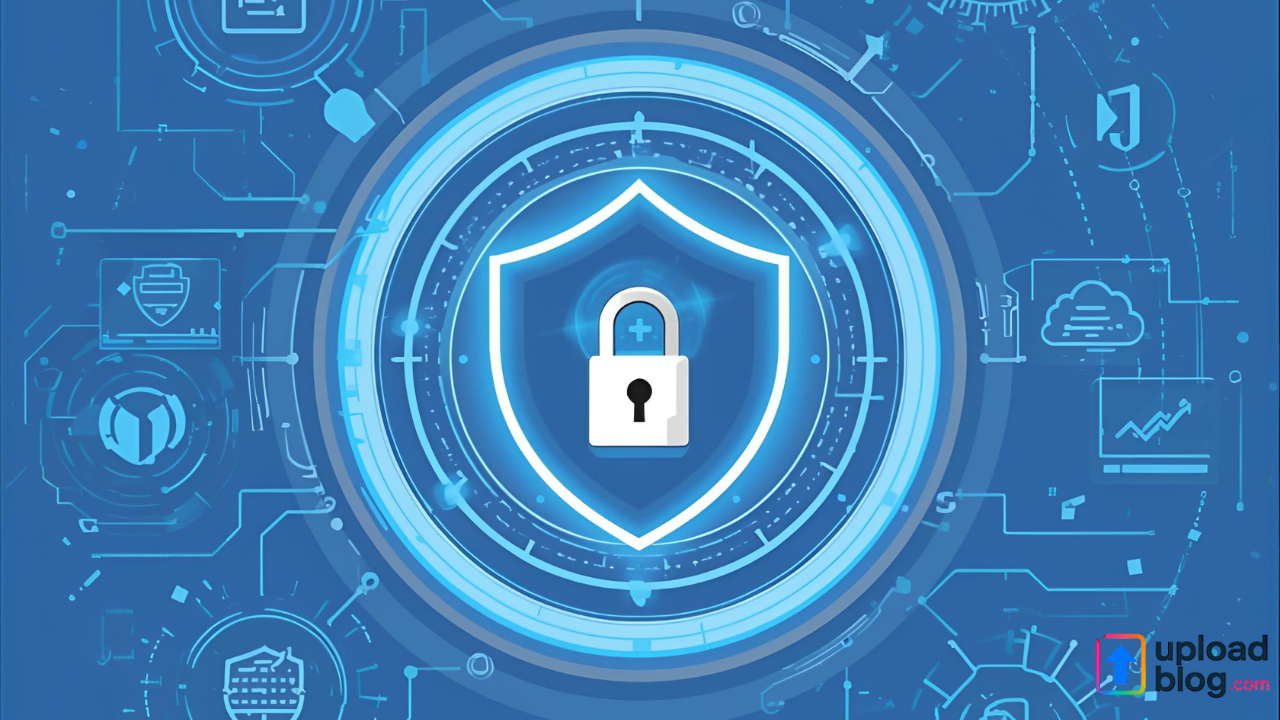
Keeping your digital files secure is more important than ever. Whether you upload documents, images, or blog posts, you want to make sure your data stays protected from unauthorized access. This guide explains how uploadblog keep safe works and how you can use the platform securely for all your uploads.
uploadblog provides a simple, reliable, and user-friendly environment for storing and sharing your content. But safety is not just about storage — it is about privacy, control, and responsible online usage. Below, you will learn the best ways to keep your uploads secure, maintain your privacy, and ensure safe online sharing.
Why Keeping Your Uploads Safe Matters
Every file you share online carries value. It may include personal information, business documents, creative work, or digital assets. If these are not protected:
- Your information can be misused
- Content may be copied or stolen
- Sensitive data could leak
- Your online reputation may be affected
That is why learning how uploadblog keep safe practices work is essential for all users.
1. Use Strong and Unique Login Credentials
Your account security starts with your password. Create a strong password that includes:
- Capital and lowercase letters
- Numbers
- Symbols
- At least 10 characters
Avoid using easily guessable words such as your name, birth year, or common phrases. A unique password greatly reduces the risk of unauthorized access.
2. Keep Your Uploaded Files Organized and Private
uploadblog gives you full control over your files. To keep them safe:
- Only share links with trusted users
- Avoid uploading sensitive information publicly
- Review your privacy settings regularly
- Delete outdated files you no longer need
Being selective about what you share increases your overall online safety.
3. Regularly Review the Platform’s Privacy Policies
Before using any uploading platform, you should understand how your data is handled. For a complete explanation of how your information is stored, used, and protected, review the privacy policy uploadblog. This is the best way to understand your rights and how the platform secures your data.
4. Use Safe Internet Practices While Uploading
Safe usage habits play a major role in protection:
- Avoid using public Wi-Fi for file uploads
- Keep your browser updated
- Clear cookies and cache regularly
- Do not open suspicious links
- Avoid downloading unknown files
These simple practices reduce the chances of malware or unauthorized access to your device.
5. Maintain Backup Copies of Important Documents
Even though uploadblog is secure, it is always smart to keep personal backups.
You can store additional copies in:
- External hard drives
- USB drives
- Cloud backup services
Having backups ensures your information stays safe even if your device or connection faces an issue.
6. Regularly Update Your Content and Security Settings
uploadblog may introduce new features or improved security settings. Checking your dashboard from time to time helps you:
- Stay updated on new security options
- Reorganize your uploaded files
- Adjust sharing settings
- Remove unused content
Small updates can make a big difference in long-term safety.
7. Share Links Safely and Responsibly
If you share your uploadblog links with others, make sure you:
- Share only with people you trust
- Avoid posting private links on social media
- Set expiration dates if available
- Avoid sharing access keys publicly
Responsible sharing is one of the easiest ways to keep your uploads secure.
FAQs
1. Is uploadblog safe for storing personal files?
Yes. uploadblog uses secure systems to protect user data. Following safe usage practices further strengthens your protection.
2. How can I check how my data is used on uploadblog?
You can view all details in the privacy policy uploadblog, which explains data handling and protection measures.
3. Should I share my file links publicly?
You should only share links with trusted individuals. Avoid posting sensitive files on public platforms.
4. How often should I update my security settings?
It is recommended to review your settings monthly or whenever new features are launched.
5. Can I delete my files permanently from uploadblog?
Yes, you can remove any file from your dashboard at any time.