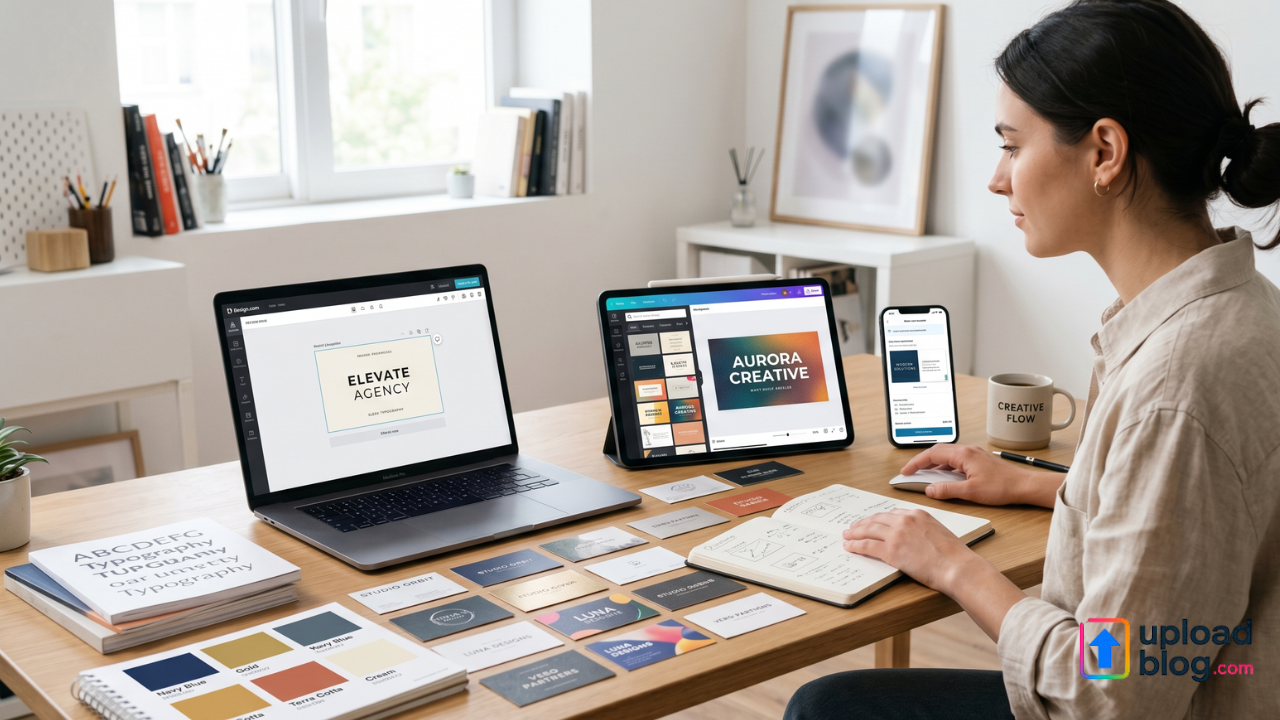
A business card might be a small detail, but it still plays a big role in how your brand is remembered. Whether you’re networking at an event, meeting clients in person, or adding your card to packaging, the design needs to look professional and consistent with your brand.
Today’s online business card makers make it possible to create high-quality, print-ready cards in minutes – even without design experience. But not all tools offer the same level of customization, file formats, or branding support.
3 Best Business Card Creators
In this review, we’ll take a look at three popular platforms that offer business cards:
- Design.com
- BrandCrowd
- Canva
Each tool makes business card design easy, but they offer different strengths.
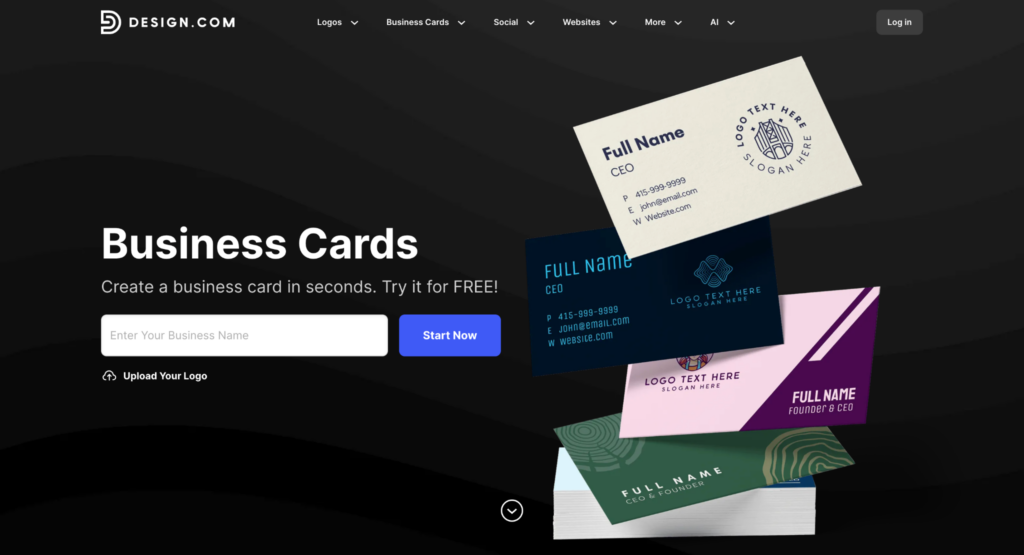
Design.com offers a business card maker as part of a larger branding platform.
How It Works
You simply enter your business name (or upload your logo), and Design.com instantly generates business cards for you.
The platform offers 20,000+ professionally designed business card templates. You can browse designs by keyword or industry to find something that fits your brand.
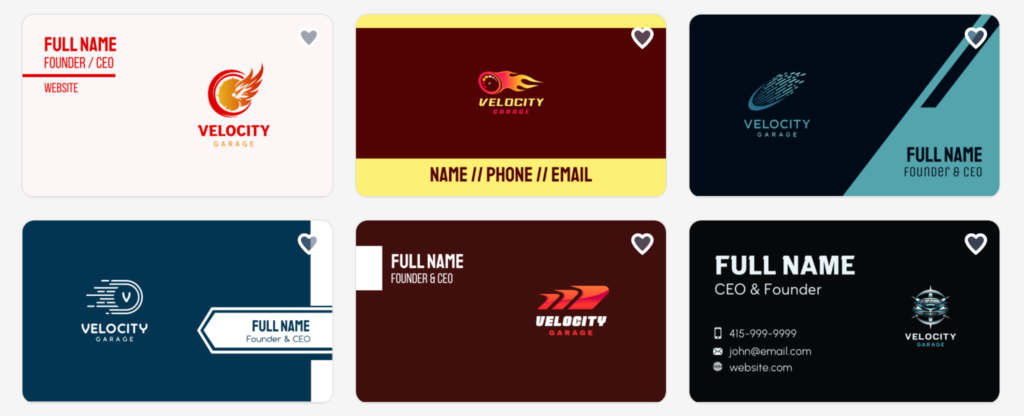
The process is quick: choose a design, customize it, and download. In the screenshot below, you can see some examples:
Customization
You can edit:
- Fonts
- Colors
- Layout
- Text placement
- Shapes
- Gradient effects
- Curved text
Users can make unlimited edits and create multiple variations.
Because the platform also includes a logo maker, brand colors can stay consistent across assets.
File Formats & Printing
When you download your business card, you get:
- High-resolution PNG & JPG
- Vector files (SVG, EPS, PDF)
Vector files are important for professional printing. You can either download the files or use their printing options.
More Than Just Business Cards
One major advantage is that Design.com offers more than just business cards. It also includes tools for:
- Logos
- Social media posts
- Letterheads
- Email signatures
- Flyers and posters
- Websites
Your brand colors can stay consistent across all designs.
Best for: Businesses that want business cards and other branding tools in one place.
- BrandCrowd
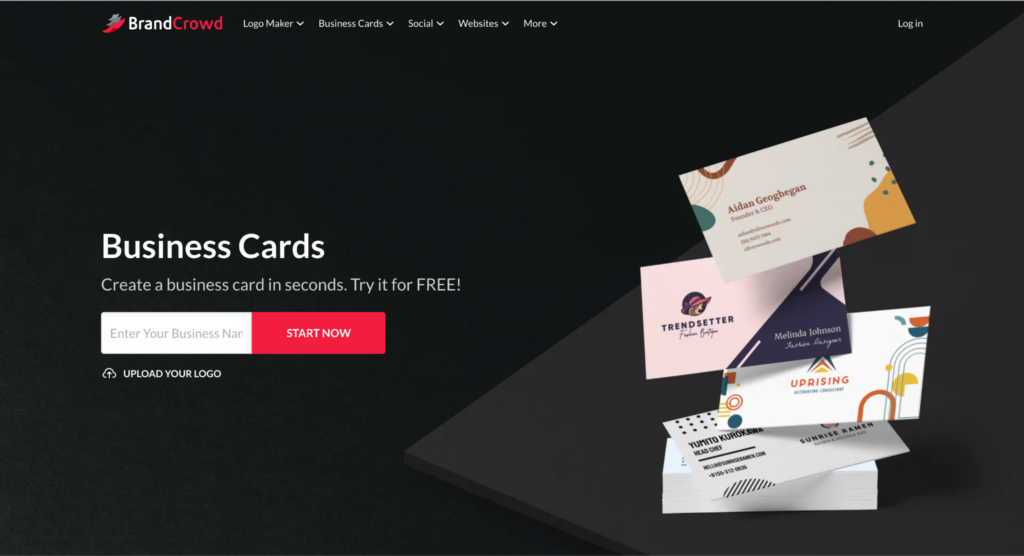
BrandCrowd offers a very similar experience, combining business card design with a broader branding toolkit.
How It Works
Like Design.com, you enter your business name and browse thousands of templates.
BrandCrowd’s business card maker allows users to:
- Enter a business name
- Browse thousands of templates
- Refine results with keywords
- Customize instantly
The platform offers 20,000+ professionally designed business card templates. Here’s what that may look like:
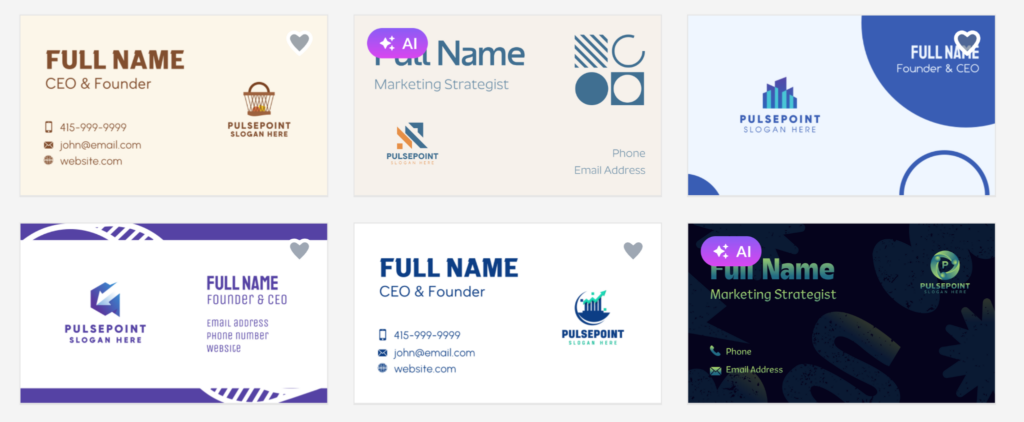
Users can also upload their logo or generate one directly within the platform.
Customization
The platform allows you to edit:
- Colors
- Fonts
- Layout
- Logo placement
- Shapes
- Gradient colors
- Curved text
BrandCrowd supports both single-sided and double-sided cards.
You can edit as much as you like before downloading.
File Formats & Printing
Downloads include:
- High-resolution PNG & JPG
- Vector files (SVG, EPS, PDF)
BrandCrowd also offers printing services. You can choose paper type and finish, and have cards delivered to you.
Extra Branding Tools
BrandCrowd also offers:
- Logo maker
- Social media templates
- Letterheads
- Email signatures
- Website builder
It’s designed to help keep your branding consistent across platforms.
Best for: Users who want easy design, printing options, and strong branding support.
- Canva
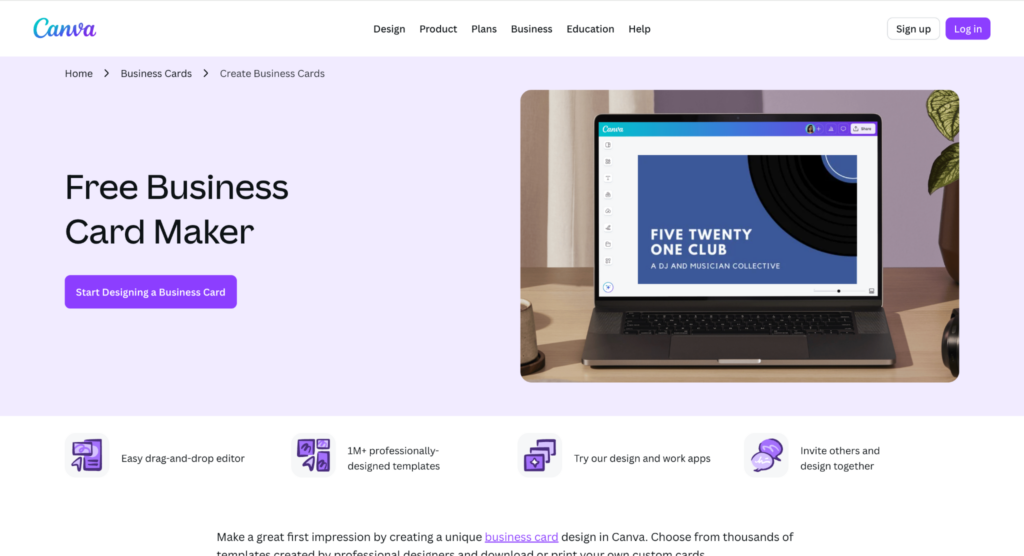
Canva is a widely used design platform that includes business card creation among its many design tools.
How It Works
Canva offers thousands of business card templates across many styles. Here are some templates:
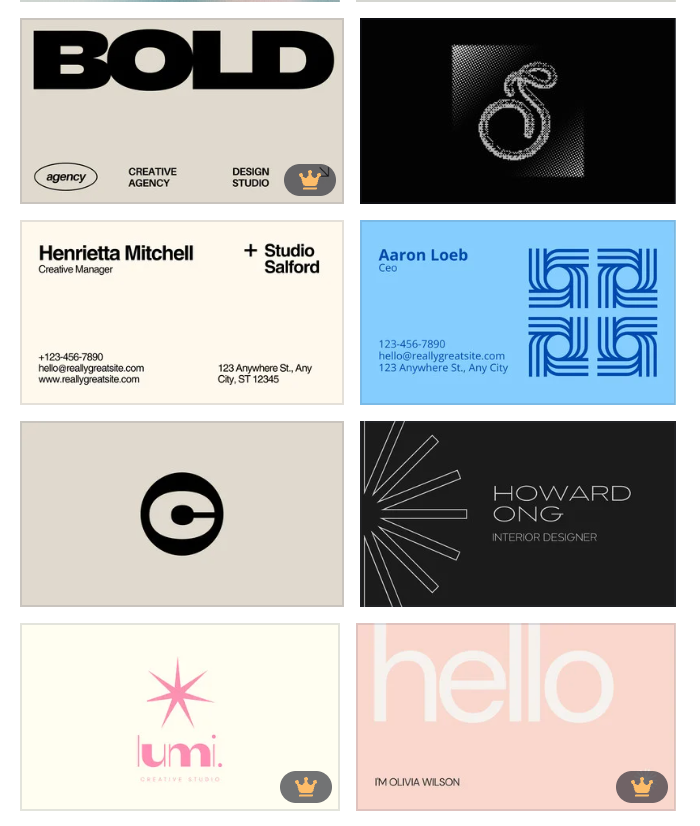
You can:
- Choose a template
- Change text and colors
- Upload your logo
- Add graphics or photos
The editor uses a simple drag-and-drop system.
Customization
Canva allows full editing of:
- Fonts
- Colors
- Layout
- Images
- Backgrounds
The editor is highly flexible and beginner-friendly.
However, branding consistency features (such as automatic brand color syncing) are more structured under Canva Pro’s Brand Kit feature.
File Formats & Printing
Canva allows downloads in:
- PNG
- JPG
- PDF Print
SVG downloads are available with Canva Pro.
Canva also offers printing services with different paper options.
Branding Tools
Canva includes tools for:
- Social media posts
- Presentations
- Flyers
- Videos
- Marketing graphics
However, it’s more of a general design platform than a focused branding system.
Best for: People who want full creative freedom and a tool for many types of designs.
Quick Comparison
| Feature | Design.com | BrandCrowd | Canva |
| Templates | 20,000+ | 20,000+ | Thousands |
| Easy Editing | Yes | Yes | Yes |
| Vector Files | Yes | Yes | Pro plan |
| Double-Sided Cards | Yes | Yes | Yes |
| Printing Services | Yes | Yes | Yes |
| Full Branding Tools | Yes | Yes | General design tools |
Conclusion
A business card is a small detail, but it helps people remember you, understand what you do, and see your brand as professional and trustworthy.
Today, creating a great business card is easier than ever. You don’t need design skills or expensive software. With ready-made templates and simple editing tools, you can design something clean and professional in just a few minutes.
When choosing a business card maker, think about what you need most, whether it’s easy editing, print-ready files, brand consistency, or extra design tools for the future. The right platform should make the process simple and help your brand look polished and consistent.
In the end, your business card should clearly show who you are and make a positive first impression. With the right tools, that’s easy to achieve.