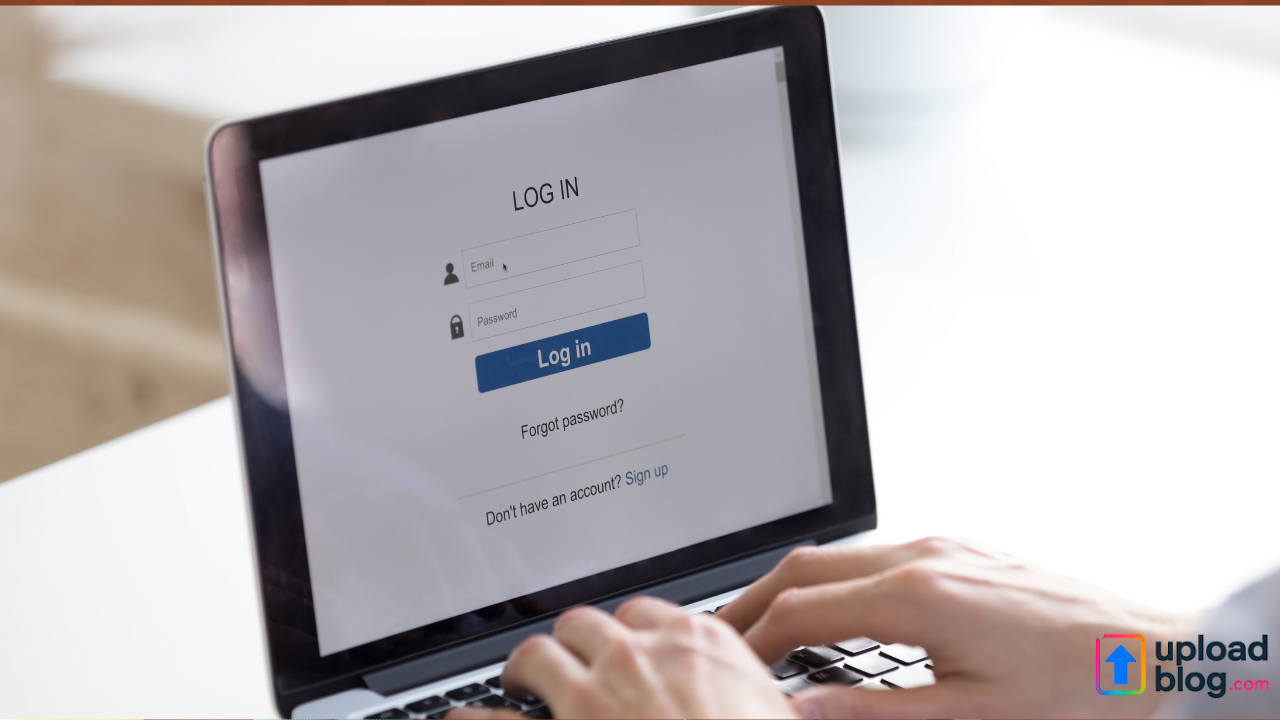
If you want to publish, edit, or manage your posts on Uploadblog, understanding the uploadblog login process is essential. Whether you are a writer, business owner, or content creator, logging into your Uploadblog account ensures you can manage your content efficiently, track submissions, and stay updated with the platform’s latest features. This guide explains how to log in, common issues users face, and how to keep your account secure.
What Is Uploadblog and Why Does Login Matter?
Uploadblog is a content-sharing platform that allows writers, professionals, and brands to publish articles across a wide range of categories, including technology, business, travel, lifestyle, marketing, and more.
By completing your uploadblog login, you gain access to powerful publishing tools, analytics, submission tracking, and options to update or edit your posts anytime.
Whether you contribute regularly or occasionally, the login process helps you connect to your dashboard and maintain full control over your content.
Steps to Complete the Uploadblog Login Process
Logging into Uploadblog is simple if you follow the steps below:
1. Visit the Official Uploadblog Website
Open your browser and go to the official Uploadblog domain. Make sure you type the correct URL to avoid landing on any fake or cloned sites.
2. Navigate to the Login Page
On the homepage, you will find the “Login” or “Sign In” button. Click on it to proceed. This will take you to the secure login portal.
3. Enter Your Registered Details
Provide the email address and password you used during registration. Ensure there are no typos, especially if you are logging in from a mobile device.
4. Click on ‘Login’ to Access Your Dashboard
Once logged in, you can start creating new posts, editing previous ones, or monitoring your content performance.
Why You Should Create an Uploadblog Account
A free Uploadblog account offers several benefits:
- Ability to publish high-quality articles
- Category-based exposure to targeted audiences
- Professional publishing tools
- Option to edit and update your content anytime
- Access to content guidelines and resources
- Increased visibility for writers and businesses
The login feature connects you directly to these tools, making your publishing workflow seamless and efficient.
Troubleshooting Common Uploadblog Login Issues
Sometimes login issues occur due to simple mistakes or technical errors. Here are quick fixes:
1. Forgot Password
If you can’t remember your password, click on “Forgot Password” on the login page. You will receive an email with password reset instructions.
2. Wrong Email or Password
Double-check your spelling. Auto-correct and saved passwords often cause errors.
3. Browser Cache Problems
Clear your browser cache and cookies. Then, try logging in again.
4. Account Not Verified
Some users forget to verify their email during registration. Check your inbox for a verification email.
5. Server or Maintenance Issues
If the website is under maintenance, wait a few minutes and try again.
How to Keep Your Uploadblog Login Secure
Security should always be a priority. Follow these tips:
- Use a strong, unique password
- Avoid sharing your login details with others
- Update your password regularly
- Log out when using public devices
- Enable two-factor authentication (if available)
These steps help protect your content, account data, and publishing history.
If you want to learn how to publish your articles effectively, explore this helpful guide:
Read more: How do I submit an article on Uploadblog.com?
H2: Managing Content After Successful Uploadblog Login
Once you have completed the uploadblog login, you can explore your dashboard fully. From here, you can:
- Create new articles
- Save drafts
- Edit existing posts
- Review published content
- Track website traffic
- Understand reader engagement
- Manage categories and tags
- Access content guidelines
Having all these tools in one place helps you improve your writing quality, SEO performance, and overall publishing experience.
FAQs About Uploadblog Login
1. Why can’t I log into my Uploadblog account?
The most common reasons include incorrect login details, unverified accounts, or browser issues. Reset your password or clear your cache to fix this.
2. Is Uploadblog login free?
Yes. Creating an account and logging into Uploadblog is completely free.
3. Can I use Uploadblog on mobile?
Yes, Uploadblog is mobile-friendly, and you can log in using your smartphone or tablet.
4. What if I forget my password?
Just use the “Forgot Password” link on the login page to reset it.
5. Do I need an account to submit articles?
Yes, you must complete the login process before you can submit or edit posts.