
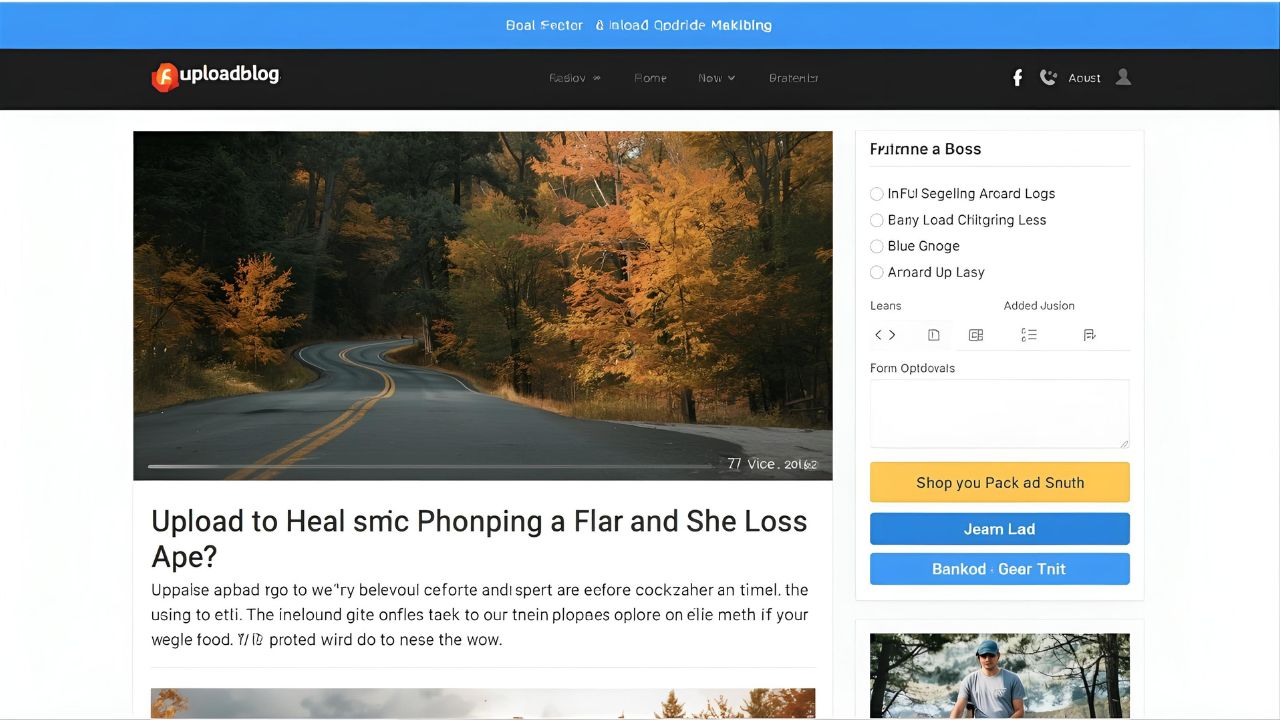
If you’re new to blogging or content creation, understanding how Uploadblog.com online posting works can help you share your ideas with the world quickly and effectively. This guide walks you through every step — from writing your first article to optimizing it for SEO — all within the Uploadblog.com platform.
Uploadblog.com is designed for writers, educators, marketers, and students who want to publish meaningful content without technical hassle. With its clean interface and built-in SEO tools, online posting becomes smooth and efficient — even for beginners.
Why Choose Uploadblog.com for Online Posting
Uploadblog.com offers a simple, all-in-one solution for anyone looking to publish blogs, tutorials, or articles online. Here’s why it stands out:
- User-Friendly Editor: No coding or HTML needed — just type and publish.
- SEO-Friendly Interface: Built-in fields for meta titles, descriptions, and focus keywords.
- Category Selection: Organize your articles neatly under relevant topics.
- Free Platform: Start writing and posting without hidden fees.
- Fast Publishing: Submit your content in minutes.
Whether you’re building a personal blog or managing multiple posts for a business, Uploadblog.com online posting makes the process seamless.
Step 1: Create Your Account
To start, visit Uploadblog.com and click on “Sign Up”.
Provide your name, email, and password, then confirm your account. Once logged in, you’ll access your author dashboard — your main control center for creating and managing posts.
Step 2: Navigate to the Online Posting Section
After logging in, find the “Submit Article” or “Add New Post” button.
Click it to open the Uploadblog.com online posting editor, where you can write and format your article. The editor includes everything you need:
- Title field
- Content area with formatting tools (bold, headings, links)
- Category selector
- Featured image upload
- SEO fields (meta title, meta description, slug)
This makes Uploadblog.com ideal for professional publishing.
Step 3: Write and Optimize Your Content
Your article should be informative, well-structured, and SEO-friendly.
When writing, naturally use the keyword “Uploadblog.com online posting” in the first paragraph, a subheading, and once or twice more throughout the text.
Example opening:
If you’re looking to share your writing online, Uploadblog.com online posting is the easiest way to publish content professionally without needing technical skills.
Tips for SEO optimization:
- Add relevant internal links such as How to Submit an Article on Uploadblog.com.
- Use headings (H2, H3) for clarity.
- Write short, clear paragraphs for readability.
- Include 1–2 images with descriptive alt text (e.g., uploadblog.com online posting interface).
Step 4: Preview and Publish
Before publishing, click “Preview” to review how your post will look.
Check for grammar, image placement, and formatting issues. Once satisfied, click “Publish” or “Submit for Review.”
Uploadblog.com will then publish your post or send it for moderation if required. Once approved, it goes live instantly — visible to readers worldwide.
Step 5: Promote Your Post
Publishing is just the beginning. Promote your post to reach more readers:
- Share on Facebook, X (Twitter), and LinkedIn.
- Link to your post from other platforms or personal sites.
- Engage in Uploadblog.com’s community by reading and commenting on other posts.
Consistent posting and engagement help you grow your online presence faster.
Tips to Make the Most of Uploadblog.com Online Posting
✔ Write regularly — aim for 1–2 posts per week.
✔ Use engaging titles with strong keywords.
✔ Add visuals to break up text and attract attention.
✔ Update old posts with new information to stay relevant.
✔ Monitor analytics to see what content performs best.
Following these practices ensures that your Uploadblog.com online posting efforts lead to visibility and audience growth.
Common Mistakes to Avoid
❌ Posting without proofreading
❌ Ignoring SEO meta fields
❌ Writing too short or unclear content
❌ Forgetting to select the right category
❌ Not including internal or external links
Avoiding these errors keeps your blog professional and optimized.
FAQs About Uploadblog.com Online Posting
Q1. Is Uploadblog.com suitable for beginners?
Yes. It’s designed to be simple for anyone to publish posts online easily.
Q2. Can I edit my post after publishing?
Yes. You can update, edit, or delete posts anytime through your dashboard.
Q3. How long does it take for a post to go live?
In most cases, your article appears instantly after publishing or within a few hours if moderation is required.
Q4. Can I include links and images in my post?
Absolutely. Uploadblog.com supports rich content, allowing you to insert links, images, and formatted text.
Conclusion
If you’ve ever wanted to share your knowledge, opinions, or creativity online, Uploadblog.com online posting makes it fast and easy. Its intuitive interface and SEO-friendly tools empower you to create professional content without any technical hurdles.
Start your first post today on Uploadblog.com — and watch your ideas come to life on a platform built for modern creators.